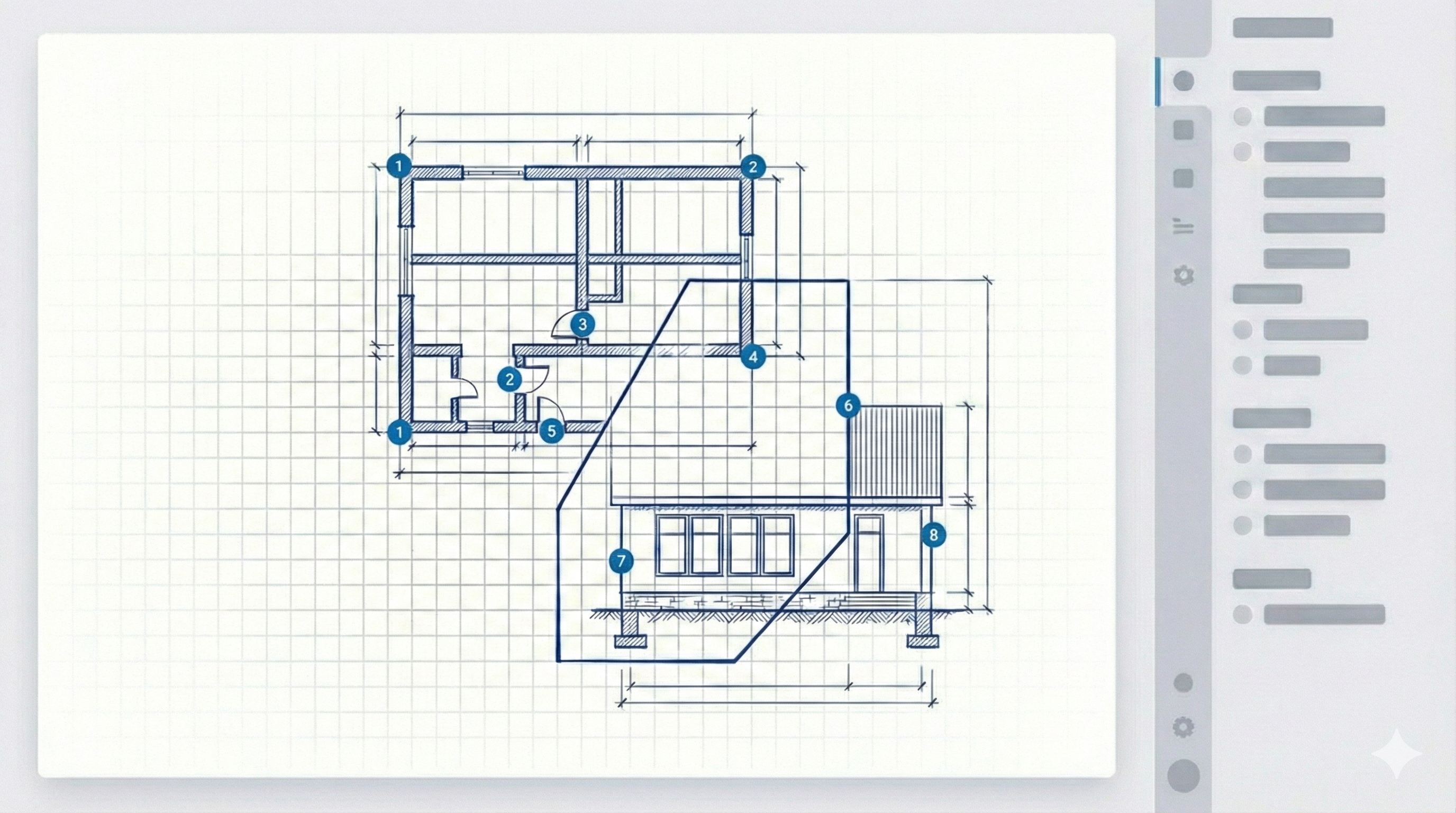
iPad takeoff demo with crosshair and live measurement result
Start free in your browser. Works on Mac, PC, and iPad with no installation required.
Browser-Based Takeoff for Contractors and Estimators

Browser-Based PDF Takeoff Software
for Mac, PC, and iPad

EzTakeoff is a browser-based PDF takeoff tool for contractors and estimators who need to measure lengths, areas, and counts on Mac, PC, and iPad without installing desktop software. It gives teams a simpler way to review plans, capture quantities, and move from drawings to estimating without being tied to a Windows-only workflow.

Measure lengths, areas, and counts from PDF plans
Works on Mac, Windows, and iPad
No installation, remote desktop, or Windows-only setup

Measure PDF Plans Without a Heavy Desktop Workflow

EzTakeoff is built for the core jobs contractors and estimators need every day: measuring plan quantities quickly, keeping takeoff work organized, and making the workflow accessible across devices. Instead of forcing teams into a heavier desktop setup, EzTakeoff keeps the process focused on practical PDF takeoff.

L

Measure Lengths

Capture linear quantities directly from PDF drawings for runs, perimeter measurements, piping paths, conduit, trim, and other line-based scope.

A

Measure Areas

Measure floor areas, wall surfaces, cladding zones, paint coverage, and other area-based quantities needed for takeoff and estimating.

#

Count Items

Count repeated symbols, fixtures, devices, openings, and other plan-based items so quantity totals are easier to review and use in estimating.

For teams that want fast PDF measurement without unnecessary setup friction, EzTakeoff keeps the workflow simple: open the drawing, set scale, measure the right quantity type, and review the results.

Built for Contractors, Estimators, and Field-Connected Teams

EzTakeoff is designed for teams that need plan measurement to be fast, accessible, and easy to review. It fits organizations that want focused takeoff functionality without the deployment overhead and device limitations that often come with older desktop-first tools.

General Contractors

Use EzTakeoff to review drawings, capture scope quantities, and support estimating decisions without adding more software friction to the bid process.

Estimators

Measure lengths, areas, and counts in a cleaner workflow that helps keep quantities organized and easier to check before pricing.

Subcontractors

Use a lighter takeoff workflow for trade-specific quantity capture when speed, simplicity, and device flexibility matter more than a bulky desktop stack.

Field and iPad Users

Give project teams access to plan measurement and takeoff review from iPad and other devices when office-only access slows work down.

If your team needs PDF takeoff software that works across Mac, PC, and iPad and does not depend on desktop installation, EzTakeoff is built for that workflow.

Start your free trial

No credit card needed. Upload a PDF, set scale, and start measuring in your browser.

Already have an account? Log In
Learn more: PDF takeoff software Construction takeoff software Quantity takeoff software Takeoff software for Mac iPad takeoff app Pricing Bluebeam alternative PlanSwift alternative
FAQ

Direct answers about browser-based PDF takeoff

These are the core questions contractors and estimators ask when comparing PDF takeoff tools for Mac, PC, iPad, and mobile workflows.

What is PDF takeoff software?

PDF takeoff software helps contractors and estimators measure lengths, areas, and counts directly from digital plan sheets instead of marking up printed drawings by hand. EzTakeoff is browser-based PDF takeoff software, so teams can open plans, calibrate scale, and capture quantities in one workflow.

How does browser-based takeoff work?

Browser-based takeoff works by opening a PDF plan in a web app, setting the drawing scale from a known dimension, and then using measurement tools to calculate lengths, areas, and counts. Because EzTakeoff runs in the browser, there is no heavy desktop install before you start measuring.

What are the benefits of browser-based takeoff vs installed software?

Browser-based takeoff software is easier to start, easier to access across devices, and simpler to roll out for mixed office and field teams. Compared with installed software, it can reduce setup friction for Mac, PC, and iPad users because the workflow runs through the browser.

How accurate are digital measurements on PDF plans?

Digital measurements can be highly accurate when the scale is calibrated correctly and the drawing file is the right plan set. In practice, the biggest accuracy factor is usually scale setup, because every length and area measurement depends on that calibration.

Can I use EzTakeoff on iPad and mobile devices?

Yes. EzTakeoff is browser-based and designed to work across Mac, Windows, iPad, and mobile browsers, which makes it useful for office estimating, field review, and quick quantity checks without installing separate desktop software.